
Speed Keyboard Escape Galaxy 2 stage 8 guide: Drop and Wall Jump Fixes
Speed Keyboard Escape Galaxy 2 stage 8 requires level 45, steady forward movement down the vertical drop, and controlled velocity. Lowering Custom Speed toward 200 prevents overshooting the landing pad, allowing your character to latch onto the upcoming wall without tumbling into the void.
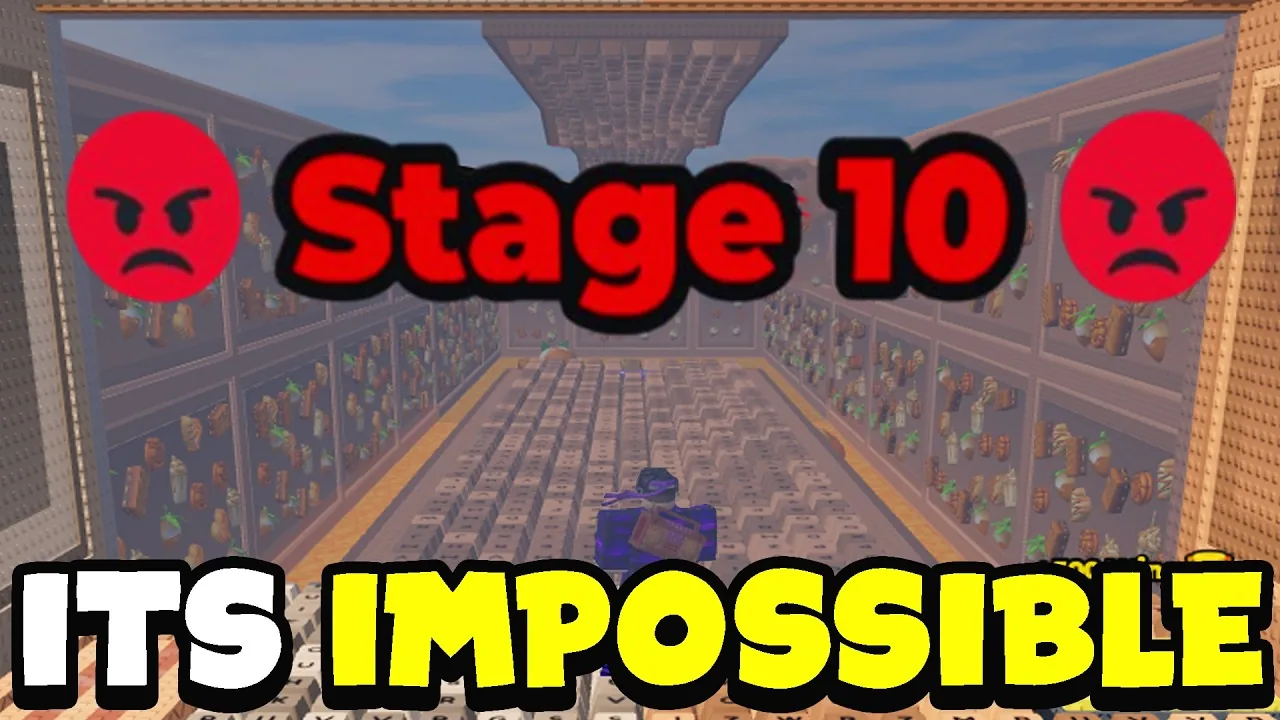
Speed Keyboard Escape Galaxy 2 stage 8 requires level 45, steady forward movement down the vertical drop, and controlled velocity. Lowering Custom Speed toward 200 prevents overshooting the landing pad, allowing your character to latch onto the upcoming wall without tumbling into the void.
Stage 8 Requirements and Obstacle Layout
Stage 8 sits directly after the high-momentum double loops of Stage 7 in the Caramel and White Chocolate world. The entry portal displays a recommended level of 45. Entering below this threshold leaves your avatar without sufficient baseline velocity to clear the transition out of the drop, while entering with unchecked momentum causes severe handling issues across the course.
The layout consists of a steep, coaster-style vertical drop that plunges directly toward a narrow track. Immediately following the descent, the course demands an abrupt transition onto a series of vertical keyboard keys that act as wall-run panels. Falling off the narrow track or missing the contact angle drops your character into the sky void, resetting your progress back to the previous checkpoint. Reviewing broader stage speed requirements across the expansion helps establish where Stage 8 fits within the overall difficulty curve of the Galaxy 2 guide route.
Handling the Vertical Drop and Wall Jump Physics
The primary obstacle on Stage 8 stems from excessive velocity rather than a lack of speed. While earlier loop sections encourage stacking momentum, entering the vertical drop at the default world cap of 300 causes your avatar to overshoot the landing zone completely. Furthermore, moving too quickly causes the character model to slide past the vertical keys before the jump registers, preventing the surface latch from connecting.
Tuning the on-screen Custom Speed setting down to approximately 200 stabilizes avatar movement. When descending the ramp:
- Center your avatar in the middle of the track before entering the downward slope.
- Hold the forward movement key continuously through the descent rather than tapping spacebar.
- Allow the track geometry to redirect your momentum toward the landing area.
- Approach the first vertical wall panel flat against its surface to execute the wall run connection.
- Delay jumping off the wall until reaching the end of the panel, as jumping early flings the character outward into the void.
Display settings also directly influence whether vertical keyboard latches register properly. In standard Roblox client configurations, running uncapped frame rates at 144 FPS or higher can cause wall collision physics to skip frames on steep vertical geometry. Lowering the Maximum Frame Rate setting to 60 FPS stabilizes the physics engine, ensuring the wall jump registers as your character hits the surface.
Movement Configurations for the Drop Transition
Balancing velocity settings against hardware frame rates determines how reliably you clear the transition between the drop and the Stage 9 wall run.
| Setup Approach | Best Situation | Trade-off |
|---|---|---|
| Uncapped 300 Speed | Powering through Stage 7 loops | Overshoots the Stage 8 drop ramp and fails wall latches |
| 200 Custom Speed | Descending the vertical slope and latching surfaces | Requires manual adjustment when returning to long loop sections |
| 60 FPS Client Cap | Overcoming dropped inputs on vertical keyboard walls | Lowers visual smoothness on high-refresh-rate displays |
Level Grinding and Checkpoint Management
Players entering Stage 8 below level 45 must build additional stats to clear the gap smoothly. Training on track treadmills provides steady level gains, while resetting via the rebirth guide methods applies multipliers such as the x3 boost unlocked at level 60. Equipping high-tier cosmetic gear, including the spooky trail with its flat speed bonus, further accelerates stat accumulation between attempts.
Failing the drop prompts a revive window displaying the specific stage checkpoint. Choosing to revive bypasses the need to replay earlier loop stages, placing you directly back at the start of Stage 8. If external UI pop-ups such as gift trade windows or cosmetic notifications appear during the descent, close them before stepping onto the ramp to prevent obstructed inputs during the wall transition.
Next step
Stage 12 Map
Find the exact maze turns for World 1 Stage 12 and learn how to clear the Galaxy 2 loop without overshooting.